
Now Reading: How To Add a Song to Your Instagram Posts?
1
-
01
How To Add a Song to Your Instagram Posts?

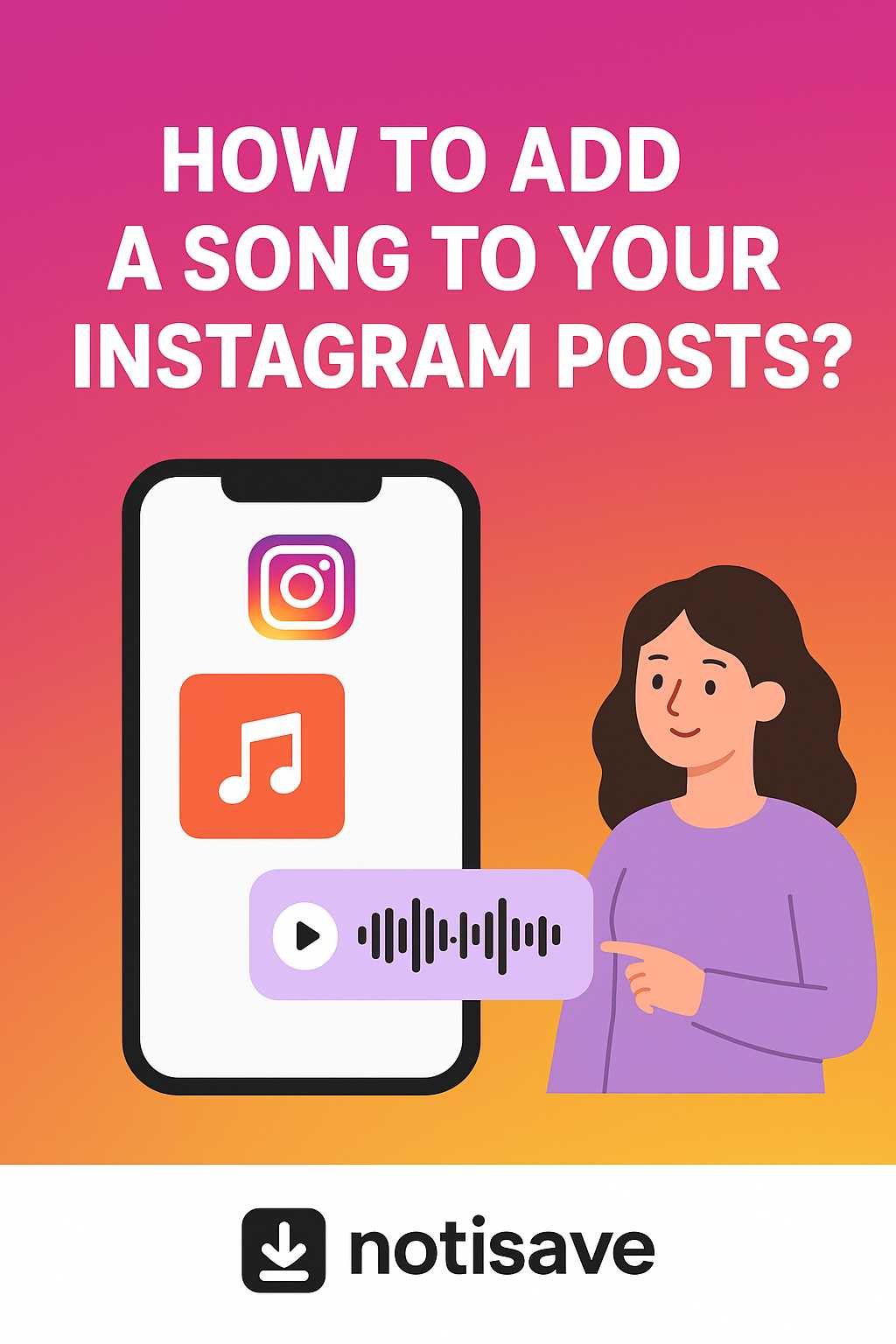
How To Add a Song to Your Instagram Posts?
Imagine spending hours perfecting your post, making it ready with all paid attention to details, to have your top viral one, only to watch it get lost in the endless wave of explore posts. Why? Because your post has no voice. It’s silent, lifeless, and completely ignored, and with Instagram’s algorithm working against you, your post flops easily as if it’s walking in the park. So, adding a song to an Instagram post, the importance comes in. Without that right track, people swipe past your post with no second glance. And worse? Choosing the wrong song is the main killer of views and your post’s growth. But all these happenings are fixable once you figure out its ways and apply it to your posts correctly. Let’s put your learning skills to the test to see if you’re going to master the art of “how to add a song to your Instagram posts?” at the end, or the opposite. Do you love other people’s content and don’t want it to get lost? With the magical Notisave Instagram Downloader tool, keep all the videos and photos on your device and then do whatever you want with them, even add Music or archive them!
How To Add a Song to Instagram Posts (Easy Steps You Can’t Miss)
Adding song to your posts isn’t just picking a random track-it’s about setting the vibe, capturing attention, and increasing its watch time. Whether it’s a trendy reel, mood setter story, or liven up post, the process of choosing the best song can seem easy, but it has a little trick; but we brought step-by-step ways to put a song on an Instagram post with examples.Add a Song to an Instagram Story
Before adding Music to your Instagram story, record a video or have your post ready in your gallery, and let’s start:- Swipe right from the “Home” screen or tap on your profile photo with a blue plus sign (+) on it displayed top left.
- When you open the Instagram stories camera, swipe up and choose your content from the square in the bottom left corner.
- Tap the music icon “musical note” at the top of the screen beside other icons.
- Tap the music sticker for Instagram icon at the top of the screen, “square smiley face”, and select “music”.
- A tab will open for you that you can use to see Instagram’s music library to add songs to Instagram posts from there. Choose your song from Instagram audio options by searching in the “Search music” box or from the three options you see: For you, Trending, Original audio. Tap on the Music to hear it and push the arrow (→) down the screen.
- If you want to save a song, there is a flag on the right side of every song; tap on it. It’ll be shown in “Saved” beside the options mentioned above.
- After choosing your song from the list, choose how you want your song’s display style on your story by swiping the circles on screen to the right and left. Options you can choose: variety of fonts, pop in a cover like a CD, rectangle box, and Spotify form, or Music only.
- Tap on the circle with the number in to see “choose clip duration” and set the time between 5-15 seconds for how many seconds you want your song to be heard on your story.
- You can move the rectangle below to choose the part of the song, change its color, add your avatar from the top of the screen, and place it on your content. Now, it’s ready to share.
- Story content: A short clip of you making coffee, journaling, and opening your curtains to sunlight.
- Music:A calm, relaxing acoustic track like “Banana Pancakes” from Jack Johnson.
- Effect: The Music sets a cozy, calm mood, making people feel connected, and enjoying your story will increase its viewers.

Add Song to Instagram Posts
When you open your Instagram, there is a plus button inside a square box below the screen in the middle beside other icons that you can use to share your feed posts & reels. After that, in the process of sharing your posts, you can add a song to Instagram posts and even do some audio editing on it. Let’s view the process of adding a song to posts together:- Choose “POST” from the New Post tab that you opened with the plus button that was explained above.
- You can add Music to your Instagram post in two ways:
- Tap on “Audio” under the music note button and choose the song you want for your post the same way you add a song to your story. Remember that adding a song to a photo post will act as background sound for it.
- Top on Next. On the next tab, you can see “Add music”. Also, adding a song to a post in this section is the same as the previous one. Using trendy songs is recommended.
- “Choose clip duration” in adding a song to your post on Instagram is between 5 and 90 seconds. So, don’t forget to adjust the timing based on your post.
- After choosing the song based on your post’s content, share your post and wait for its uploading process.
- Post: A 30-second video of you walking through the streets of Paris, showing the Eiffel Tower, cafes, and street performers.
- Music: A trending upbeat pop track that matches the energy like “On top of the world” from Imagine Dragons.
- Effect: The Music makes people feel like they’re on the trip with you, keeps them watching till the end, and increases their engagement desire more than ever.
Add Song to Instagram Reels
The difference between adding a song to Reels and also to the Instagram feed music is the placement of the add button, but consider Reels songs, especially using trendy ones, have the biggest impact on the post itself.- Record your video or choose your content from your gallery by swiping up the screen.
- Tap on the audio tool (music note) and choose your song, and edit the part you want for your Reel. Then push the Share button to start your engagement.
- Reel clip: 15-second montage of walking through the streets of Paris, the Eiffel Tower, cafes, and street performers.
- Music: choose an upbeat, catchy pop-disco trackwith a fun, energetic vibe like “Levitation” from Dua Lipa.
- Effect: This track adds energy and excitement and increases the likelihood of the Reel being shared or makes it appear on the Explore.

Remarkable Tips to Add Songs to Instagram Posts
There are tips you need to know before choosing any song for Instagram content. As we know, Music sets the tone and keeps viewers engaged.- So, when you want to add song posts, first pick songs your audience recognizes. That’s where the trendy songs came up, but pay attention to the beats of the song to align with the post.
- Then, using songs from Instagram’s library is safer to avoid getting blocked because of copyrighted tracks.
- Finally, if you’re a music creator and want to let people know about your songs, add your Music to a streaming platform like Soundcloud, Spotify, or Apple Music and share it from inside those apps.
Final thoughts
A song isn’t just a background sound on your random Instagram post; adding a song to Instagram posts and picking the right audio is the reason why some posts are always shown in every person’s explore and go viral. A perfect choice of song can hold the audience, make them stop scrolling for a duration of time, and enjoy it better than other posts. Now that you have achieved the ways, you’d better start to try them out to solve the mystery of going viral. Have in mind that every post is a chance to tell your story, and Music is the brush that paints your thoughts. So, we are waiting for your ideas about “How to Add a Song to Your Instagram Posts?” and also, recommend a song in comments which can pop up in the audience’s explore easily; so that we can also give hints of which content would go viral with it. Can I add Music to an existing post on Instagram? No, you can’t, but you can edit the one posted with Music. Can I add a song to an Instagram photo? Yes, it’s pretty easy to add songs to a post by following the steps mentioned above. Which songs violate copyrights on Instagram? Songs that aren’t available in some countries or need licensing. Why can’t all of my followers hear the song in my post? Not every song is available in every country. If Instagram blocks my songs, changing them would fix it? No, you might need to repost it.Related Instagram Guides
For more context and next steps, these Notisave guides cover closely related Instagram questions and tools.
- How To Archive All Instagram Posts?
- How to Add Temperature Sticker to Instagram Story?
- How to Share a Song on Instagram? (A Fun Guide to Posting Songs 2026)
- What Are the Best Music Hashtags on Instagram? (Top Example That Works)
- Instagram DP Downloader
Also read: How to Add Auto Captions on Instagram Stories Free in 2026?.










Related Posts



Stay Informed With the Latest & Most Important News
Previous Post
Next Post





Loading Next Post...