
Now Reading: Can You See Who Views Your Instagram Highlights?
1
-
01
Can You See Who Views Your Instagram Highlights?


Can You See Who Views Your Instagram Highlights?
When you look at your Instagram Highlights, you might think, “Who exactly has seen this content?” Maybe you’ve always been looking for a way to see Instagram highlights views and figure out which of your friends or true followers are interested in your special moments. But is it really possible to know exactly “Can you see who views your Instagram Highlights?” Now, how can you identify those few important viewers among all the thousands of visitors? The answer to this question might just surprise you. To uncover the mystery and discover Instagram’s hidden features, don’t miss the rest of the article!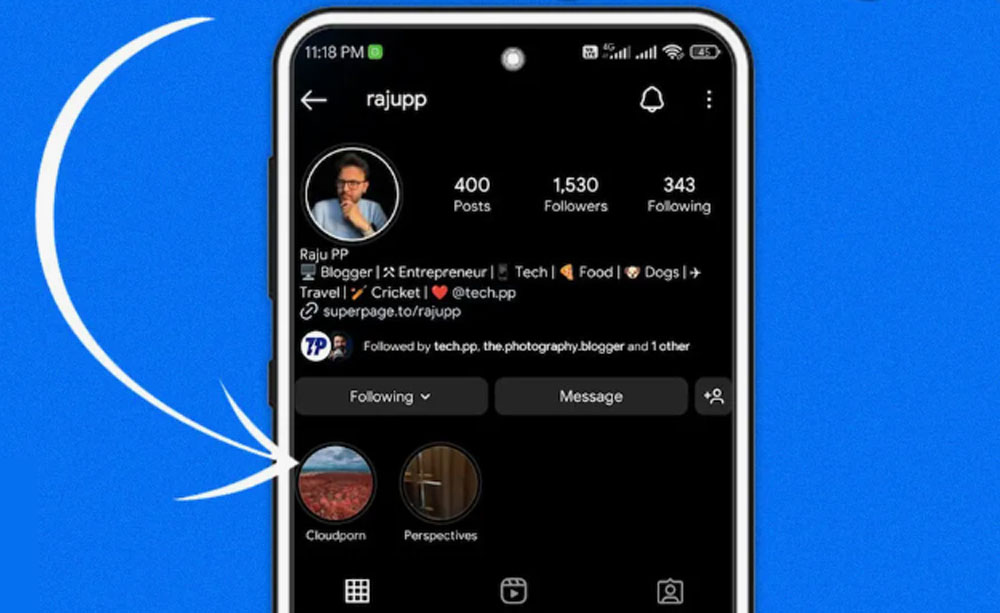
How to See Who Viewed Your Instagram Highlights?
Here is the surprise for you: Instagram lets you see who has seen your stories and highlights. Instagram Highlights are a great way to keep your favorite stories alive beyond the usual 24 hours. Whether you’re sharing fun moments, promoting your brand, or giving helpful info, knowing who views Instagram Highlights can be super helpful. But can you actually see exactly who’s checking out your Highlights? Let’s break it down simply and figure out what Instagram lets you do, and what it doesn’t, when you want to see Instagram highlights views. Before dive into the details consider that to download and save content safely, you can use our Instagram Highlight Downloader to get any highlight in HD, fast and without login.Using Instagram’s Native Tools
Instagram has some built-in features to help you understand your Highlights’ performance:- Highlight insights: If you have a business or creator account, Instagram provides Highlight insights that show you total views, reach, and other engagement metrics. While the app removes the viewer list after 48 hours, it still gives you a good idea of how your audience interacts.
- Instagram views tracker: There are third-party apps that claim to help you track Instagram Highlight views and reveal individual viewers. Be very careful here! Many of these apps can violate social media privacy rules or even risk your account’s safety.

Leveraging Instagram Feature Settings for Better Engagement
Want more action on your Highlights? Instagram has cool Instagram feature settings that boost Instagram user engagement:- Enable story replies and reactions so followers can interact before you add those stories to Highlights.
- Use link stickers (for business accounts) to drive clicks and track interest.
- Pin your best stories in Highlights to keep them front and center for visitors.
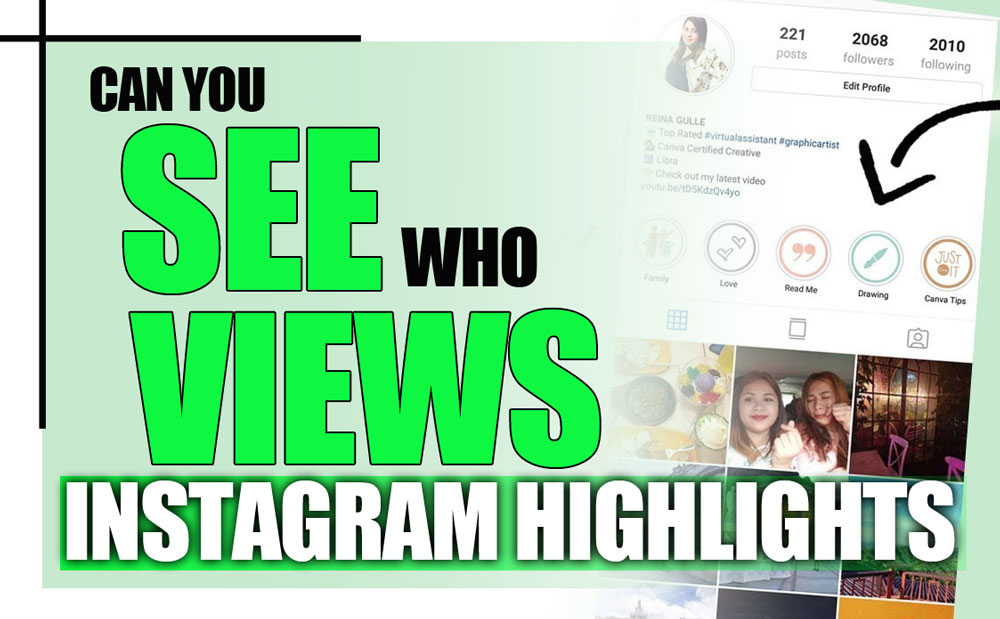
How to Check Who Viewed Instagram Highlights After 48 Hours?
As mentioned, Instagram stories show you a detailed Instagram Highlights viewer list for up to 24 hours after posting. But once your story moves into Highlights, there’s a catch: the famous Instagram Highlights 48-hour rule. After 48 hours, Instagram stops showing the specific names of who viewed your Highlight. Instead, you only get to see Instagram view counts, the total number of views without the details on viewers. So, if you want to track and discover who viewed your Instagram Highlights closely, it’s best to check who viewed your Instagram highlights within the first 24 hours of posting. After that, Instagram keeps things more general.Understanding Instagram View Counts & Interaction Metrics
Since you don’t get detailed viewer lists after 48 hours, it’s smart to focus on Instagram view counts and other stats like shares, replies, and reactions. These help you understand:- Which highlights your followers love most
- How long do people stay engaged
- How Highlights help grow your account

How to Manage Instagram Highlights Privacy Settings?
If you want to control who sees your Highlights, Instagram offers some handy Instagram Highlights privacy settings:- Set your profile to private so only approved followers can see your Highlights.
- Use the Close Friends list to share stories (and Highlights) with a select group.
- While you can’t directly hide viewers Instagram Highlights for specific people, you can block or restrict certain followers from seeing your stories, which keeps them off your viewer list.
 How do you make your Instagram Highlights visible to everyone?
To make your Highlights visible to everyone, ensure your account is set to public. Then, add content to your Highlights, and it will be visible to all Instagram users, including non-followers.
Can someone screenshot your Instagram Highlights without you knowing?
Yes, Instagram does not notify you when someone takes a screenshot of your Highlights. The screenshot notification feature only applies to Instagram Stories.
Why can’t I see Instagram highlights views?
If your Highlight was added more than 24 hours ago, Instagram no longer shows the viewer list. Only Highlights within the 24-hour window will show who viewed them.
Can I delete someone from seeing my Instagram Highlights?
Yes, you can remove a specific viewer from seeing your Highlights by adjusting your privacy settings. Go to Story Controls, select Hide Story From, and choose the person you want to exclude from seeing your content.
Can I add multiple Instagram Stories to one Highlight?
Yes, you can add multiple Stories to one Highlight. Simply go to your profile, tap the Highlight, and select Edit Highlight to add more Stories from your archive.
How do you make your Instagram Highlights visible to everyone?
To make your Highlights visible to everyone, ensure your account is set to public. Then, add content to your Highlights, and it will be visible to all Instagram users, including non-followers.
Can someone screenshot your Instagram Highlights without you knowing?
Yes, Instagram does not notify you when someone takes a screenshot of your Highlights. The screenshot notification feature only applies to Instagram Stories.
Why can’t I see Instagram highlights views?
If your Highlight was added more than 24 hours ago, Instagram no longer shows the viewer list. Only Highlights within the 24-hour window will show who viewed them.
Can I delete someone from seeing my Instagram Highlights?
Yes, you can remove a specific viewer from seeing your Highlights by adjusting your privacy settings. Go to Story Controls, select Hide Story From, and choose the person you want to exclude from seeing your content.
Can I add multiple Instagram Stories to one Highlight?
Yes, you can add multiple Stories to one Highlight. Simply go to your profile, tap the Highlight, and select Edit Highlight to add more Stories from your archive.
2026 Practical Update
Highlight viewer information is limited compared with regular Stories. Instagram may show viewers for a limited time, but Highlights are not a permanent tracking tool. If you need reliable performance data, use story insights, link clicks, replies, and profile activity instead of expecting a full viewer list forever.
Before You Try It
- Check viewers soon after adding a Story to Highlights.
- Use a professional account for broader insight metrics.
- Track replies, sticker taps, and link clicks where available.
- Organize Highlights by topic so performance is easier to compare.
- Avoid third-party viewer apps that promise hidden data.
Quick Answers
Can you see every Highlight viewer forever? No. Viewer details are limited and can disappear over time.
Can someone secretly view Highlights? If Instagram does not show a viewer list, third-party apps still should not be trusted with your login.
Related Instagram Guides
For more context and next steps, these Notisave guides cover closely related Instagram questions and tools.
- Can Business Instagram See Who Viewed Profiles?
- How to See Who Stalks Your Instagram Account? (Step-by-Step Guide for 2026)
- How to Turn Off a Business Account on Instagram? (2026 Ultimate Guide)
- How to Add Location on Instagram Bio?
- Instagram Private Downloader
Also read: How to Fix “Can't Log in to Instagram on PC”? (Reasons & Solutions).










Related Posts

Stay Informed With the Latest & Most Important News
Previous Post
Next Post






Loading Next Post...
Deposit
Notisave’s Instagram Caption Saver tool
Pargi rohir
Instagram Highlights Cover Downloader
Vijay rajendra malve
I need an Instagram highlight downloader. Do you have one?
notisave
Yes, go to the Tools section and click on Instagram Highlights Downloader in the menu.
sajad_____mir
👀👀